
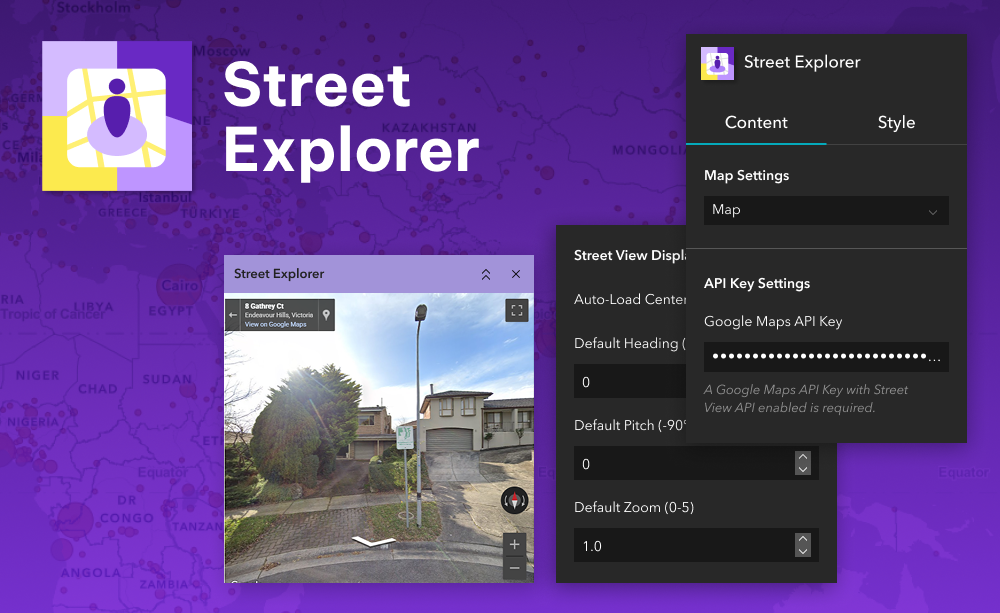
Let your users step out of the map and into the real world. Street Explorer brings Google Street View™ panoramas directly into your ArcGIS® Experience Builder apps. When a user clicks on the map, the widget opens the closest available panorama so they can explore streets, sites, and surroundings from ground level.
Street Explorer is ideal for planning, inspections, public consultations, or any workflow where seeing what is physically on-site helps inform better decisions. You can configure the default camera angle and optionally show a live target on the map to indicate the current panorama’s location and viewing direction.
What it helps you do
Key features
Example use cases
Requirements
This widget integrates with Google Street View to provide street-level imagery within ArcGIS. Google Street View is a service provided by Google LLC. This product is not affiliated with or endorsed by Google. All Google trademarks and imagery are used in accordance with the Google Maps Platform Terms of Service and Brand Guidelines.
To use this widget, you will need a valid Google Maps Platform Essentials API key with access to the Street View service. Visit https://console.cloud.google.com to create or manage your API key. Usage may incur costs based on Google’s pricing.
Using ArcGIS Online?
If you don’t have access to ArcGIS® Experience Builder Developer Edition, try our Hosted Experience Builder environment. It is the fastest way to start using custom widgets like this one. No local setup or deployment required.

